







Orion: Starter Kit for Laravel MoonShine ?
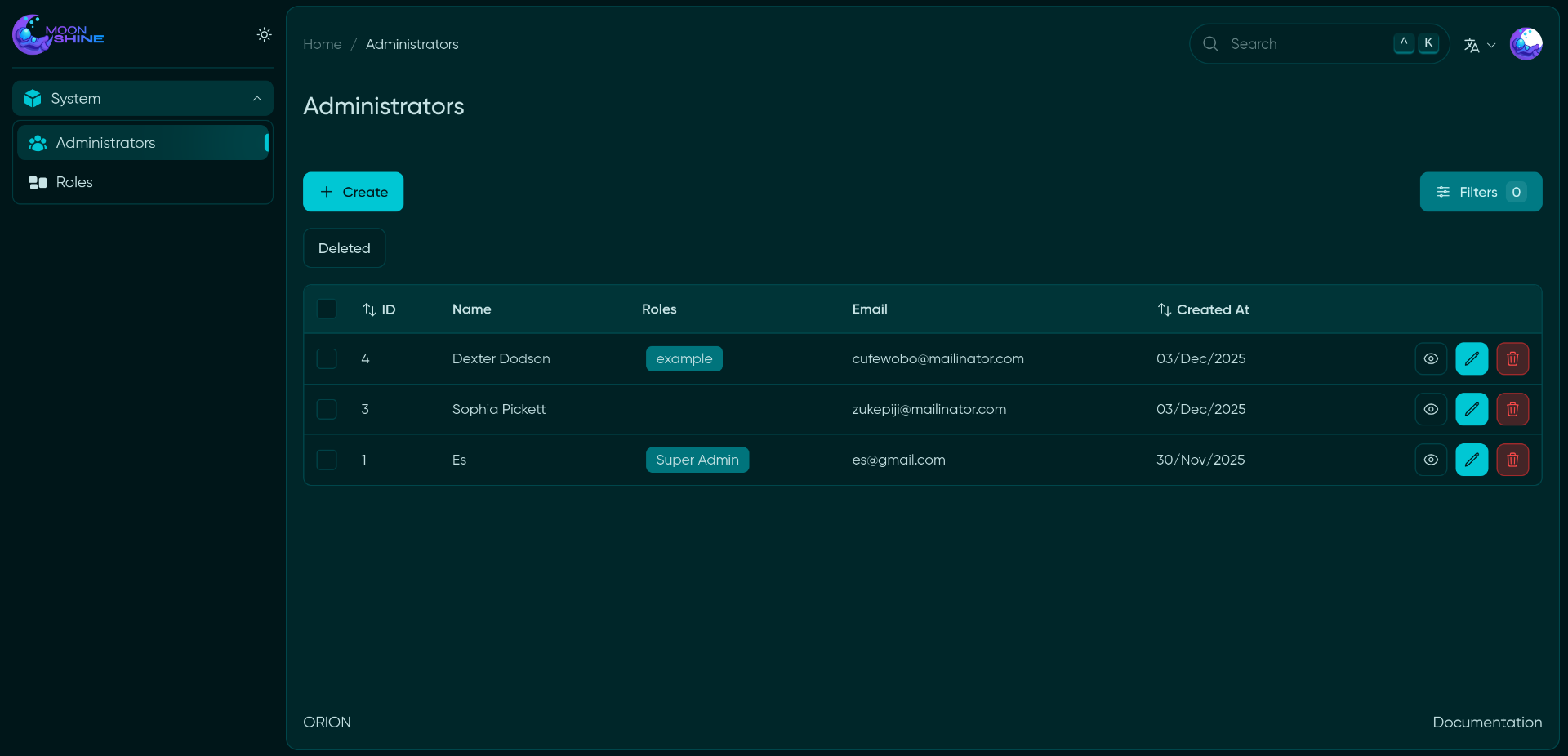
Orion is a modular starter project that speeds up the development of admin panels in Laravel using MoonShine as the admin framework.
? Main Technologies
| Package | Version | Description |
|---|---|---|
| Laravel | v12 | Core PHP framework |
| MoonShine | v4 | Admin panel |
| moonshine-roles-permissions | v4 | Roles and permissions system |
| internachi/modular | v2 | Modular architecture |
✨ Key Features
? Base Configuration
- Fully pre-configured MoonShine
- Ready-to-use modular architecture
- WithProperties - Trait for applying chainable properties to resources
- WithSoftDeletes - Trait for implementing soft deletes to resources
- WithTrashedQuery - Trait for implementing query with trashed resources
? Security
- Integrated RBAC (Roles and Permissions) system
- Command for automatic permission generation
Permissions are automatically generated using the LaunchPermissions command. This command scans the registered MoonShine resources and creates the necessary permissions automatically.
? Interface
- Support for both English and Spanish
? Installation
-
Clone the repository:
git clone https://github.com/maycolmunoz/orion.gitcd oriongit clone https://github.com/maycolmunoz/orion.gitcd orion -
Set up the environment:
cp .env.example .envcomposer installcp .env.example .envcomposer install -
Run the installer:
php artisan launch:installphp artisan launch:install
The installer will automatically:
- Generate the application key
- Run database migrations
- Create permissions and the superadmin role
- Create the initial user
? Additional Documentation: